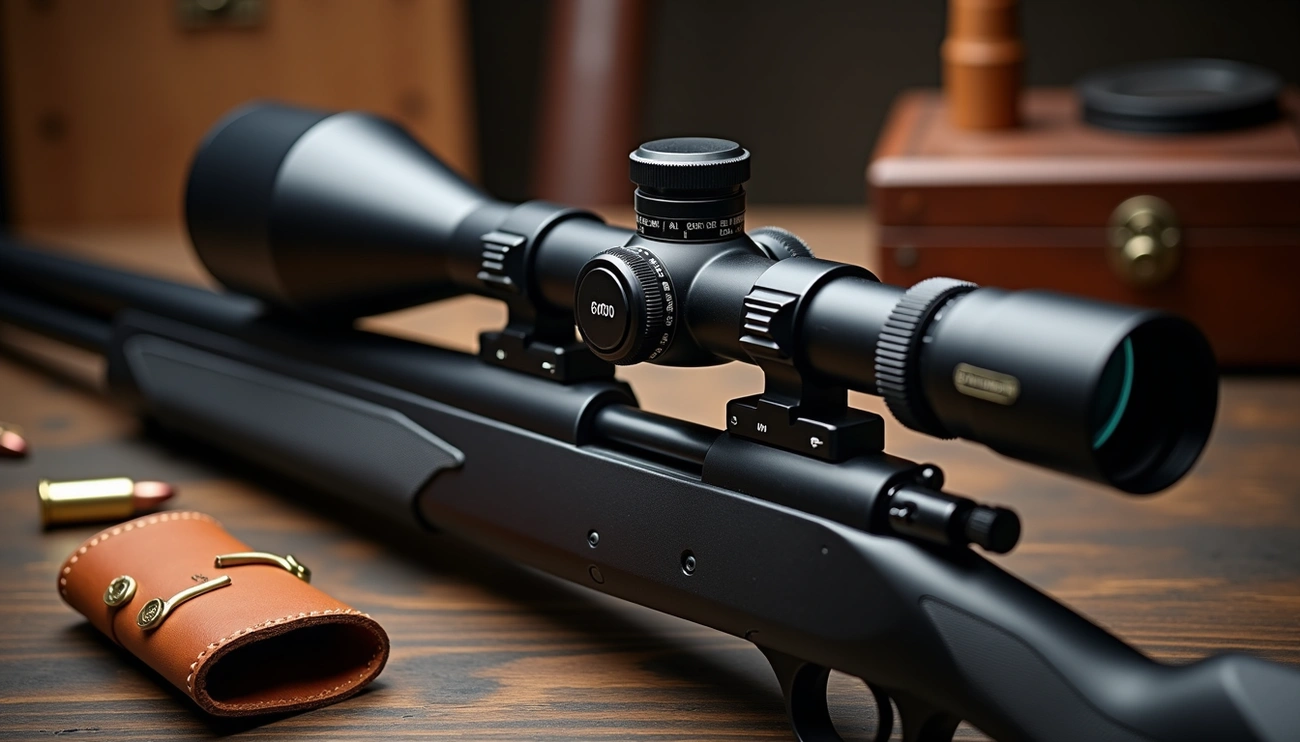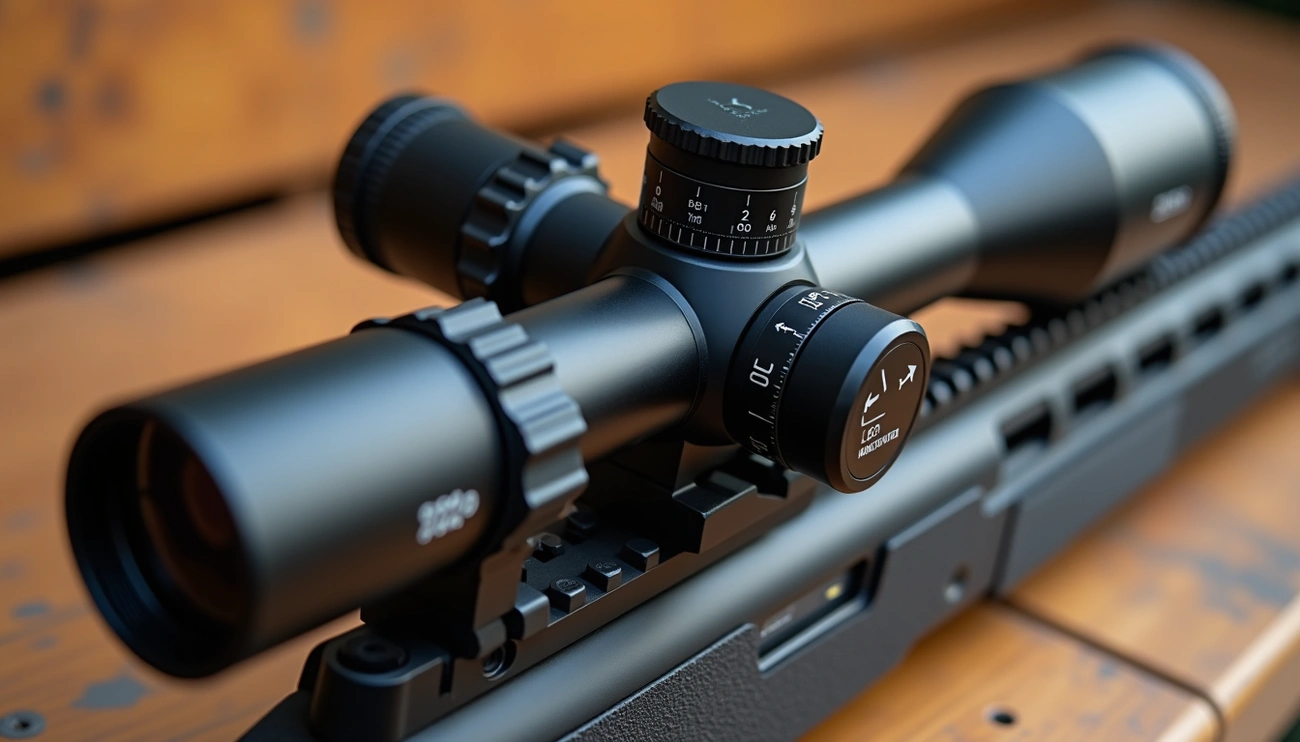
UP on a rifle scope means the elevation turret should be turned in the UP direction to move the bullet’s impact point up on the target. Turning UP lowers the reticle inside the scope, correcting low shots and compensating for bullet drop at longer distances.
Throughout this guide, we’ll demystify scope terminology, explain whether elevation goes up or down, and provide practical advice for making precise adjustments to your rifle scope. By the end, you’ll have a clear understanding of not just what “UP” means, but how the entire adjustment system works to improve your shooting accuracy.
Understanding Scope Terminology
Scope terminology can seem like a foreign language for new rifle owners. To hit your target consistently, you need to understand what those markings actually mean and how they affect your shooting.
What does ‘UP’ on a scope mean?
The “UP” marking on a rifle scope indicates the direction to turn the elevation turret to move your bullet’s point of impact higher on the target. This might seem counterintuitive at first glance. When you turn the elevation turret in the UP direction, you’re actually adjusting where the bullet hits, not where the reticle points. The elevation turret is typically located on top of the scope and controls the vertical point of impact.
Scope adjustment: which way to turn?
Understanding which way to turn the scope turrets is crucial for accurate shooting. For the elevation turret (top knob), turning it up (counter-clockwise) raises your point of impact, while turning it down (clockwise) lowers it. Similarly, for the windage turret (side knob), turning it right shifts your bullet’s point of impact to the right, and turning it left shifts it to the left.
Remember this simple rule: adjust in the direction you want the bullet to go. If your shots are hitting low, turn the elevation turret UP. If they’re hitting to the left, turn the windage turret to the right.
Elevation vs. windage explained.
Elevation and windage adjustments serve different yet complementary functions:
Elevation refers to vertical adjustments made using the turret on top of your scope. It primarily compensates for bullet drop caused by gravity over distance. As a bullet travels farther, it naturally drops due to gravitational pull, requiring shooters to adjust accordingly.
Windage, on the other hand, refers to horizontal adjustments made using the turret typically found on the right side of your scope. It helps compensate for wind drift and other factors that might push your bullet sideways.
Both adjustments use precise measurements, typically in MOA (Minute of Angle) or MIL (Milliradian):
- 1 MOA equals approximately 1.047 inches at 100 yards
- 1 MIL equals approximately 3.6 inches at 100 yards or 10 cm at 100 meters
These measurements allow for extremely precise adjustments to ensure your bullet hits exactly where you aim.
How Elevation Adjustments Work
The mechanical operation of rifle scope adjustments often remains a mystery to many shooters. Let me explain what’s actually happening inside your optic when you make those critical adjustments.
What happens when you turn the top turret
Turning the elevation turret physically moves the internal components of your scope. When you rotate this turret, you’re adjusting the erector tube system inside. This internal tube houses your reticle and moves in response to your adjustments. Furthermore, when you dial the top turret down to adjust elevation, you’re literally pushing the erector tube (and thus the crosshair) down. Conversely, when you dial it up, you’re releasing spring pressure on that tube, allowing it to move back up—with your crosshair moving alongside it.
Is the elevation up or down?
The elevation direction follows a consistent rule: to move your bullet’s point of impact upward, turn the elevation turret in the “up” direction (typically counter-clockwise). To move your point of impact downward, turn the elevation turret in the “down” direction (typically clockwise).
This system might initially seem backward because, when you turn “up,” the reticle actually moves down inside the scope. This naturally causes you to raise the barrel higher when aiming, resulting in a higher point of impact. Essentially, you’re adjusting where your bullet hits, not where your reticle points.
How turret clicks affect the point of impact
Each click of your scope’s turret represents a precise measurement:
- Most quality scopes offer 1/4 MOA or 1/10 MIL per click.
- At 100 yards, one click typically moves your bullet’s point of impact by 1/4 inch.
- At longer distances like 500 yards, even a single click can significantly shift your point of impact.
These small incremental changes allow for extremely precise tuning. The tactile and audible feedback from quality turrets lets you make adjustments without taking your eyes off your target. Moreover, these adjustments become increasingly important as the shooting distance increases, since bullet drop becomes more pronounced at extended ranges.
Windage and Other Scope Controls
Beyond elevation controls, rifle scopes feature additional adjustment mechanisms that are equally important for precision shooting.
Side turret: windage adjustments
The windage turret sits on the side of your scope and controls horizontal adjustments. Unlike the elevation turret on top, this knob moves your bullet’s point of impact left or right. To make windage adjustments, follow this straightforward rule: turn the turret in the direction you want your bullet to go. Turning the windage turret right shifts your point of impact to the right; turning it left shifts it to the left. This helps compensate for crosswinds that push bullets to the sides during flight.
Parallax and focus ring basics
Parallax occurs when your reticle and target aren’t on the same focal plane. You’ll notice this when moving your head slightly causes the reticle to “float” across the target. The parallax adjustment—typically a side-mounted knob opposite the windage turret—corrects this issue. Although it is often mistaken for a focus knob, its primary purpose is to keep your reticle fixed on target regardless of eye position. Proper parallax adjustment results in a crisp sight picture as a beneficial side effect.
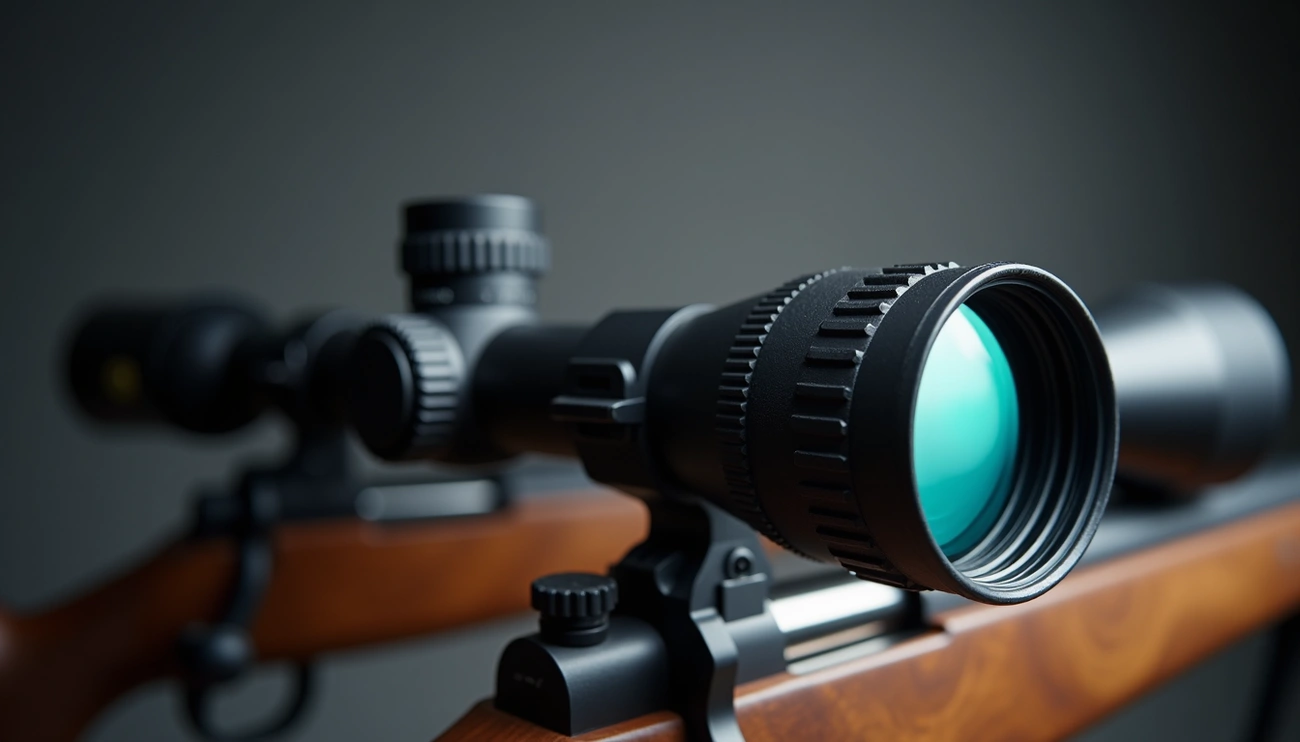
Magnification ring and field of view
The magnification ring around the eyepiece controls how close your target appears. Yet as magnification increases, your field of view (FOV) decreases. At higher powers, you’ll see less of the surrounding area. For instance, a scope might show over 30 feet at 100 yards on low power, yet only 14 feet at full magnification. This trade-off between magnification and field of view affects target acquisition speed and situational awareness.
Practical Tips for Sighting In
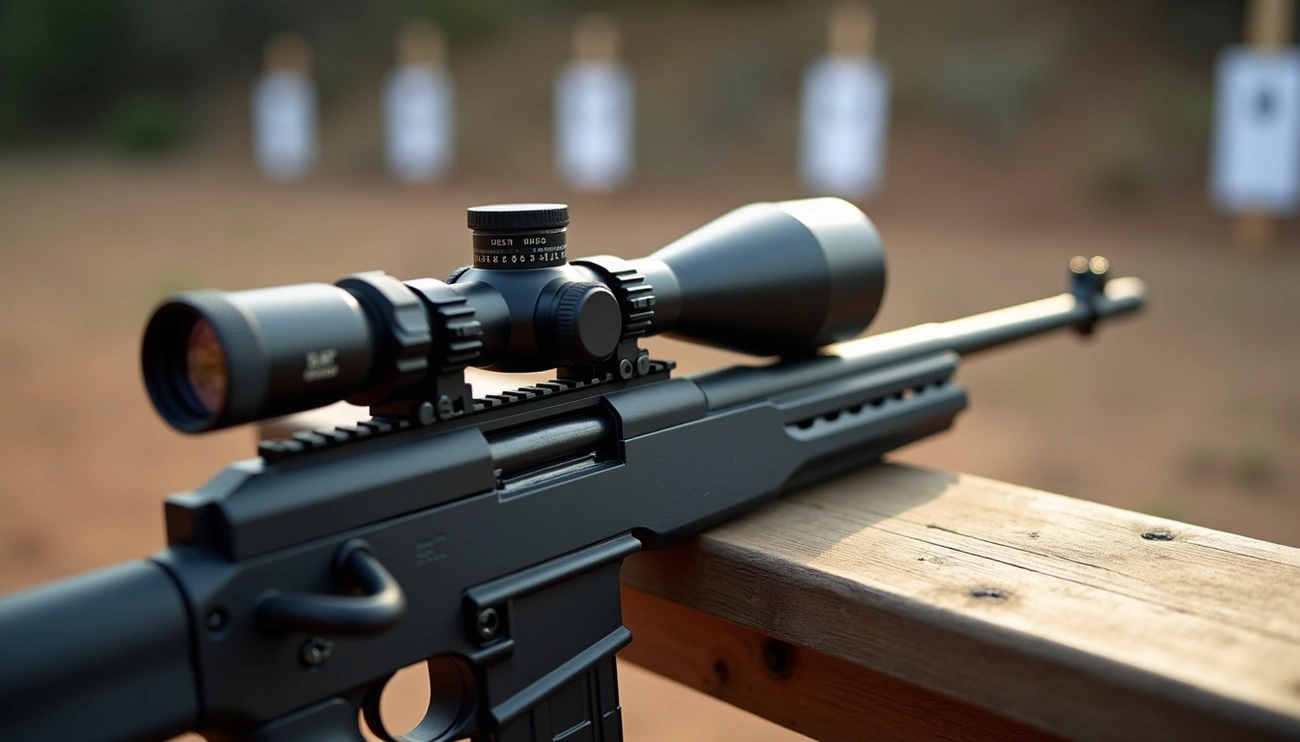
Sighting in your rifle scope requires practical knowledge about adjustment methods and zeroing techniques. Here’s how to get it right.
When sighting in a scope, which way to turn
The golden rule for scope adjustments is straightforward: turn your turrets in the direction you want your bullet impact to move. For elevation, if your shots are hitting too low, turn the top turret counterclockwise (UP). Likewise, if shots land left of target, turn the windage turret counterclockwise (RIGHT). Remember that most scopes adjust “up” by turning counterclockwise and “right” also by turning counterclockwise.
Using MOA or MIL for adjustments
MOA (Minute of Angle) and MIL (Milliradian) represent two different measurement systems:
- 1 MOA equals approximately 1.047 inches at 100 yards
- 1 MIL equals approximately 3.6 inches at 100 yards
Typically, MOA scopes adjust in ¼ MOA clicks (about 0.25″ at 100 yards), whereas MIL scopes use 0.1 MIL clicks (about 0.36″ at 100 yards). Choose what feels comfortable—MOA might be better for close-range precision, while MIL is better for long-range shooting.
Zeroing at 25, 50, or 100 yards
Start at 25 yards to ensure you’ll hit paper. At this distance, adjustments are magnified—1 inch at 25 yards equals 4 MOA, versus 1 MOA at 100 yards. Afterward, move to 50 yards for refinement, then finalize at your preferred distance (typically 100 yards).
Avoiding common sight-in mistakes
Novices often make these critical errors:
- Shooting from unstable positions instead of solid benches/bags
- Making adjustments after single shots instead of 3-5 shot groups
- Skipping progressive zeroing (25→50→100 yards)
- Using different ammunition than what you’ll hunt with
Conclusion
Understanding rifle scope adjustments certainly makes the difference between frustration and success at the range. The seemingly counterintuitive “UP” marking actually follows a logical system: turn counterclockwise for a higher point of impact. This knowledge alone will save you considerable time when sighting in your firearm.
Most importantly, remember that scope adjustments move your bullet’s impact point, not your reticle’s position in your field of view. The internal mechanics work by shifting the erector tube inside your scope, which explains why turning “UP” releases spring pressure rather than applying it.
Additionally, the precision of modern scopes allows for remarkably fine adjustments. Each click typically represents 1/4 MOA (about 1/4 inch at 100 yards), giving you extraordinary control over your shot placement. Therefore, patience and attention to detail pay dividends when dialling in your optic.
While elevation adjustments handle vertical corrections, windage turrets manage horizontal point of impact. Together with parallax adjustment and magnification controls, these features form a complete system for precision shooting across various distances and conditions.
Finally, proper zeroing technique matters just as much as understanding the markings. Start at shorter distances, use stable shooting positions, and make adjustments based on groups rather than individual shots. After all, a properly sighted rifle scope transforms a challenging shooting experience into a rewarding one where you can confidently place shots exactly where intended.